Real estate
AI for real estate lead follow-up that reaches every lead first
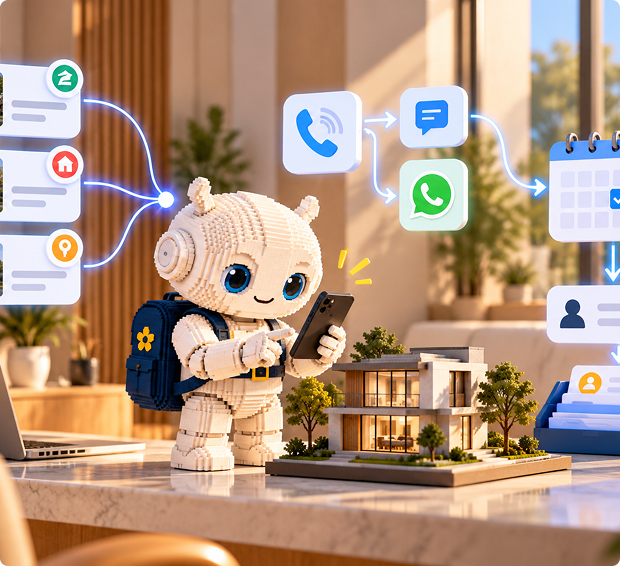
A new enquiry comes in. Within moments, Mayavi calls or messages the lead, asks the right questions and books a viewing. Your agents spend their time with people who are ready to move.
The problem

Leads go cold fast.
A buyer who fills in a form on three sites usually talks to whoever calls back first.

Agents are out on showings.
Nobody is at a desk to call a new lead the moment it arrives, especially in the evening.

Most leads aren't ready.
Agents waste hours on calls with people who are only browsing.
How it works
- A lead submits an enquiry on your website, a landing page or an ad form.
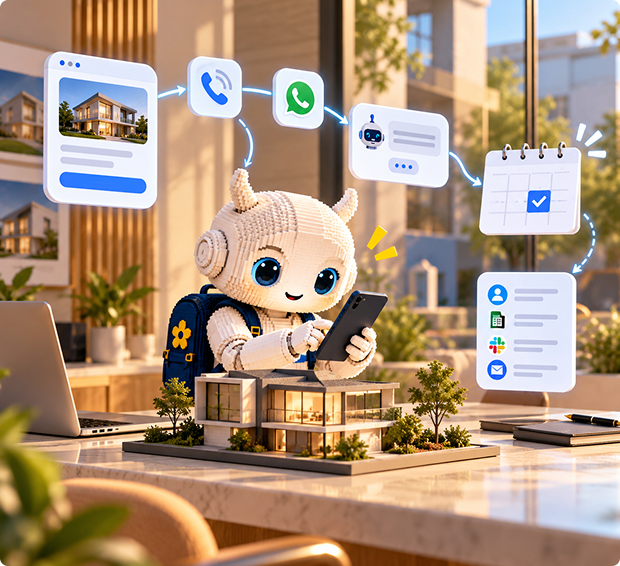
- Your form tool sends the lead details to Mayavi through a webhook, which starts an automation.
- The automation places a call to the lead and sends a text or WhatsApp message at the same time.
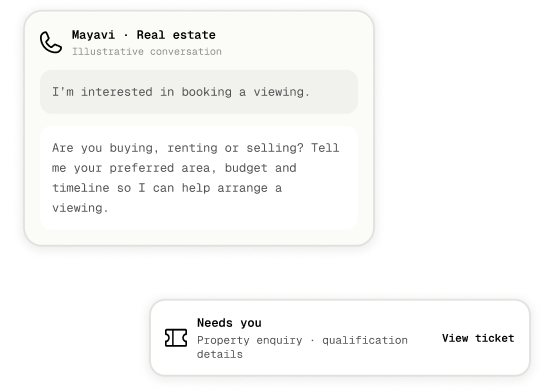
- The assistant asks qualifying questions: buying, renting or selling, area, budget, timeline and whether financing is arranged.
- Qualified leads get a showing or valuation booked straight into the agent's Google Calendar.
- The lead and the answers are logged to a Google Sheet or a ticket, and the agent gets a summary on Slack or email. The full call transcript sits in the Inbox.
- Leads who don't answer get a follow-up message, so nobody slips through.
What it handles

Fast first contact
on every new enquiry, day or night

Lead qualification
with the questions your best agent asks.

Showing and valuation bookings
in Google Calendar.

Property questions
answered from your listings and area guides in Knowledge.

Inbound calls and messages
about listings, with the same assistant.
.svg)
An approval step
before anything sensitive goes out, if you want a person to check first.

Channels
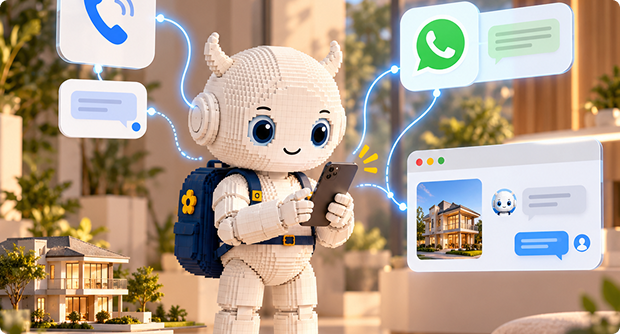
Phone first, with a text message sent alongside the first call. WhatsApp is there forleads who prefer it, and website chat covers visitors browsing your listings.
Setup in four steps
Create an assistant set to Both (chat and voice) and write your qualifying questions into its instructions.
Add your listings, areas and FAQs to Knowledge. Connect Google Calendar and Google Sheets.
Build an automation from a webhook trigger: place a call, send a message, then log the lead.
Point your form tool's webhook at the automation, run a test with a sample lead, and turn it on.
.png)
What it won't do
- Connect natively to Follow Up Boss, kvCORE or Zillow. Leads come in by webhook, and a developer can push results back through a custom tool.
- Hold a two-way text conversation. Texts go out from automations, and replies happen by call, chat or WhatsApp.
- Transfer a live call to an agent. It books a time or hands over through the Inbox and a ticket.
- Make promises about price, valuation or legal terms. Keep those with your agents.
FAQ
How fast does it contact a new lead?
As soon as the webhook fires, the automation starts the call and message. Actual timing depends on your form tool and phone provider
Can it qualify leads?
Yes. You set the questions, and it records the answers for your agents.
Does it work on WhatsApp?
Yes. Connect a Meta WhatsApp Business account. WhatsApp only allows replies within 24 hours of the customer's last message, unless you use an approved template.
Can it book showings?
Yes, straight into Google Calendar.
Where do the leads and answers go?
Into a Google Sheet or a Mayavi ticket, with a summary to the agent on Slack or email. A developer can also send them to your CRM through a custom tool.
.png)