Dental
An AI receptionist for dental clinics that keeps the chair full
Patients call while your front desk is checking someone in. Mayavi answers, books the appointment, sends the reminder and brings patients back for their next checkup.

The problem

The front desk is stretched.
Phones ring while staff are checking patients in, handling payments and dealing with insurance questions.

After-hours calls go to voicemail,
and new patients rarely leave one.

No-shows and overdue recalls
leave gaps in the schedule that are hard to fill at short notice.
How it works
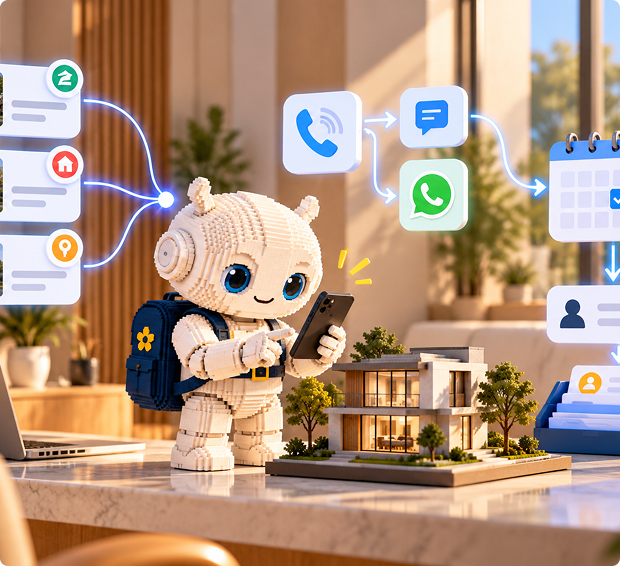
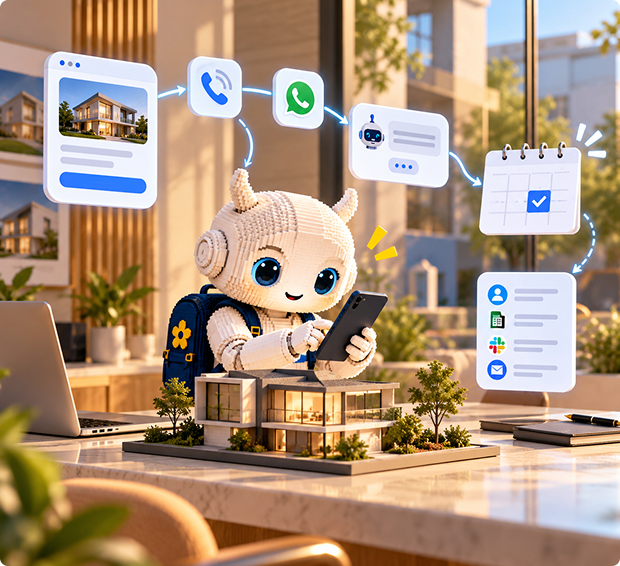
- A patient calls, chats on your website or messages on WhatsApp: "Can I book a cleaning next week?"
- The assistant answers from your knowledge: services, hours, location, what to bring, payment options.
- It checks your Google Calendar and books the appointment.
- A scheduled automation sends a reminder before the visit, by SMS or WhatsApp.
- After the visit, a follow-up asks how it went. Happy patients get your review link. Concerns go to the practice manager as a ticket.
- Anything clinical, such as pain, swelling or a question about treatment, goes straight to your team.
.png)
What it handles

Answering every call
at once, day or night.
.svg)
Emergency triage
based on the keywords and rules you write, such as no heat, gas smell or flooding.

Booking visits and estimates
into Google Calendar.
.svg)
Service area and pricing questions
answered from your own knowledge.

Missed-call text-backs
from a ready-made template.
.svg)
Job summaries
so the tech knows the details before arriving.

Channels
Phone first, on the number you already use. Website chat and a Talk button catchhomeowners browsing your site, and WhatsApp covers customers who prefer tomessage.
Setup in four steps
Describe your receptionist: the trades you cover, your service area and your emergency rules.
Add your services, call-out fees and common questions to Knowledge, and connect Google Calendar.
Connect your number under Phone Numbers and switch on the Missed-call followup automation.
Call it with a few real scenarios, including an emergency, and go live.
What it won't do
- Connect natively to Dentrix, Open Dental, Eaglesoft or other practice software. It books into Google Calendar, and a developer can link other systems through a custom tool.
- Give clinical or medical advice. It hands those questions to your team.
- Replace your compliance review. If you handle protected health information, check Mayavi's data handling and agreements with your compliance lead before going live, or consider the self-hosted option.
FAQ
Can it book dental appointments?
Yes, straight into Google Calendar, by phone, chat or WhatsApp.
Does it integrate with Dentrix or Open Dental?
Not out of the box. A developer can connect practice software through a custom tool.
Will it give patients medical advice?
No. Set it to hand anything clinical to your team, and use guardrails to keep it on topic.
Can it send recall reminders?
Yes, through scheduled automations that message patients by SMS or WhatsApp.