Home services
An AI receptionist for plumbers, HVAC and home service pros
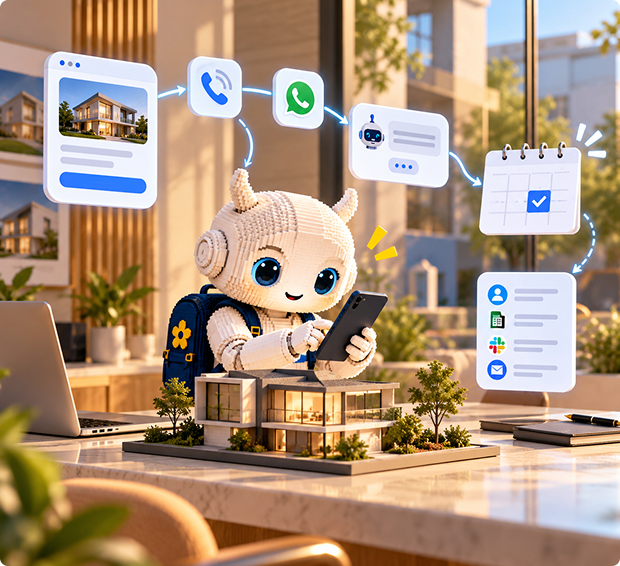
You're under a sink or on a roof when the phone rings. Mayavi answers, works out what the job is, flags emergencies and books the visit, so you never lose a job to voicemail.
The problem

You can't answer on the job.
Every missed call is a homeowner who will try the next company on the list.

Emergencies get buried.
A burst pipe and a quote request look the same in a voicemail inbox.

Evenings and weekends
are when many urgent calls come in, and when nobody is at the office.
How it works
- A homeowner calls your business number. The AI receptionist answers in your company's name.
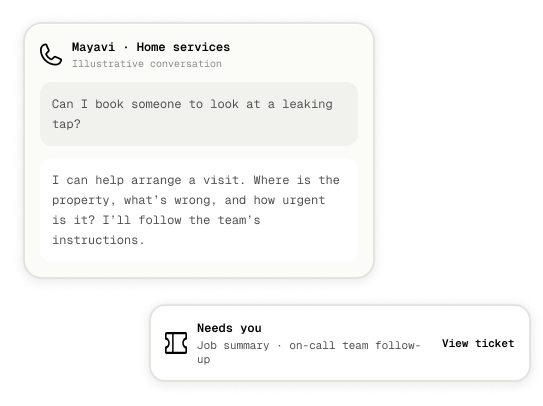
- It asks what's wrong, where they are and how urgent it is, using the questions you set.
- Emergencies follow your rules. For example, it tells the caller what to do right away and opens an urgent ticket for the on-call tech.
- Routine jobs get a visit booked straight into your Google Calendar.
- Every call ends with a summary for your team, sent to a ticket, Slack or email.
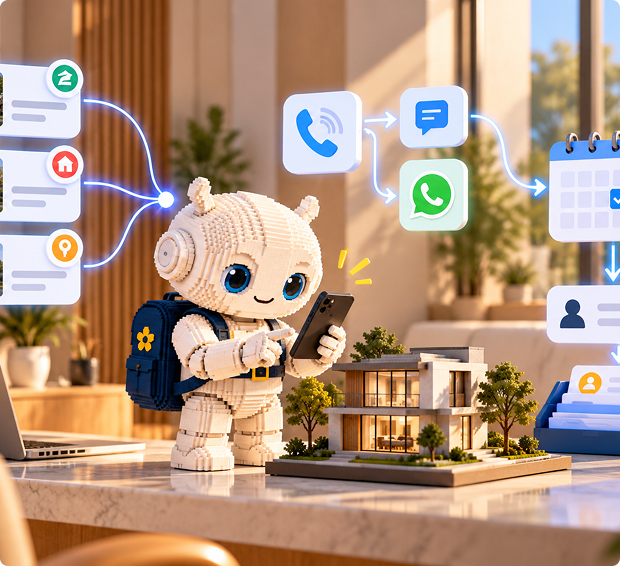
- Calls you miss on the job get an automatic text or WhatsApp message back within moments.
What it handles

Answering every call
at once, day or night.
.svg)
Emergency triage
based on the keywords and rules you write, such as no heat, gas smell or flooding.

Booking visits and estimates
into Google Calendar.
.svg)
Service area and pricing questions
answered from your own knowledge.

Missed-call text-backs
from a ready-made template.
.svg)
Job summaries
so the tech knows the details before arriving.
Channels
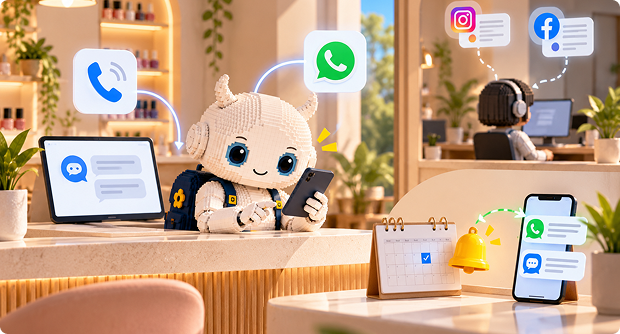
Phone first, on the number you already use. Website chat and a Talk button catchhomeowners browsing your site, and WhatsApp covers customers who prefer tomessage.
Setup in four steps
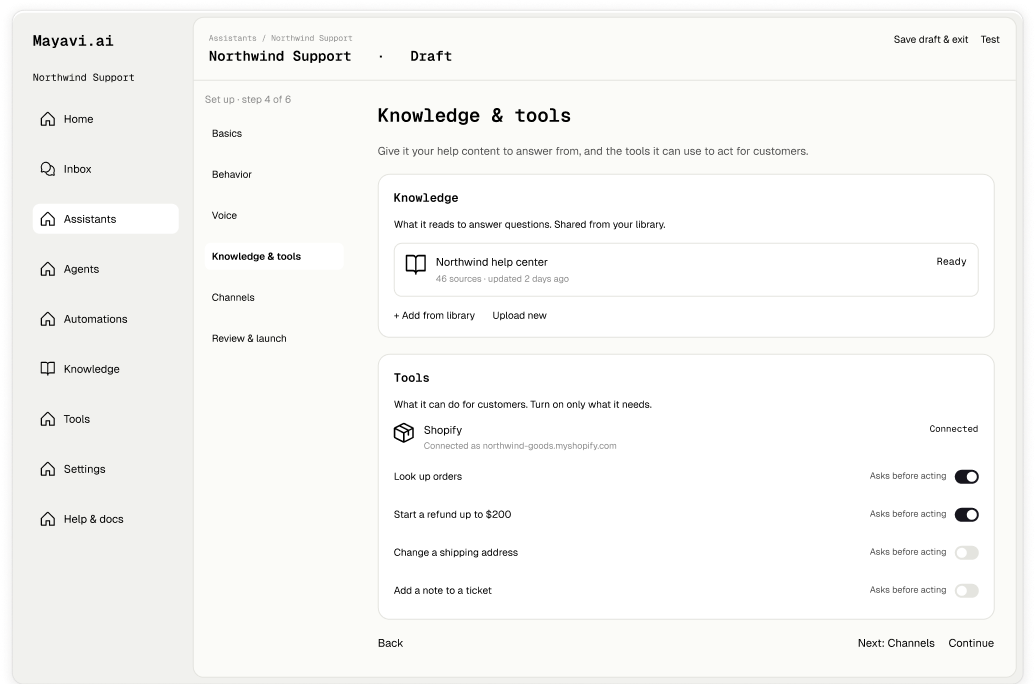
Describe your receptionist: the trades you cover, your service area and your emergency rules.
Add your services, call-out fees and common questions to Knowledge, and connect Google Calendar.
Connect your number under Phone Numbers and switch on the Missed-call followup automation.
Call it with a few real scenarios, including an emergency, and go live.
.png)
What it won't do
- Connect natively to Jobber, ServiceTitan or Housecall Pro. A developer can link them with a custom tool.
- Dispatch technicians or transfer the live call to one. It books, flags and hands over through tickets and the Inbox.
- Diagnose a fault or give safety advice beyond the rules you write. For gas or electrical danger, it tells callers to contact emergency services.
FAQ
Can it tell an emergency from a routine call?
Yes, based on the rules and keywords you write into its instructions. Test this carefully before going live.
What happens to calls I miss?
The Missed-call follow-up automation texts the caller back so you keep the job.
Can it book estimates?
Yes, straight into Google Calendar, using your hours and service area.
Does it work with ServiceTitan or Jobber?
Not out of the box. A developer can connect them through a custom tool.
.png)